Smart E-Paper ID Badge
A programmable employee badge: ESP32-S3, a 2.13-inch e-paper display, rechargeable LiPo power, five buttons, a buzzer and a Qwiic I²C port for anything you want to add.
Over-engineered. On purpose.
A 2.13-inch e-paper credential with an ESP32-S3 behind it — five buttons, a buzzer, and an I²C port for whatever you add next. All of it is documented below.
A badge you can program
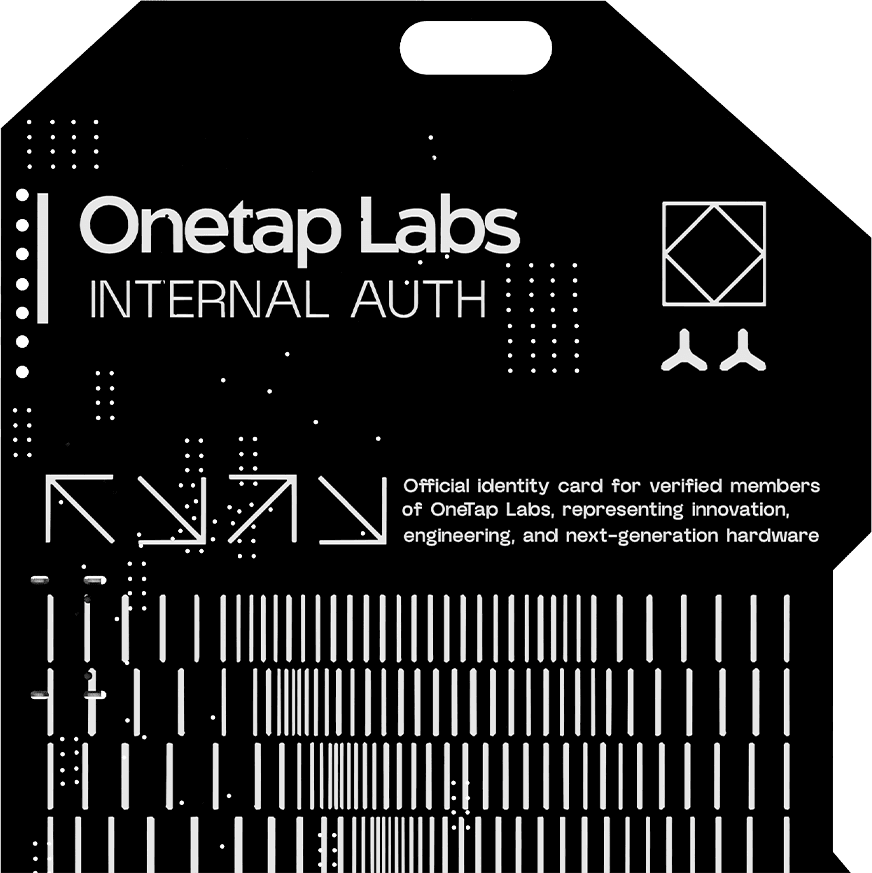
It is an ID card first — name, role, QR code — but the display, buttons and I²C port are yours. The card's own silkscreen points here. Firmware source is private to the team; requesting access takes one email.
git clone https://github.com/Austin-beep-beep/onetap-id-cardcd onetap-id-cardpio run -e esp32s3_n4r8 -t uploadWhat it is
The Onetap Labs ID badge is a credential and a development board in the same piece of matte-black ENIG PCB. The front carries the wordmark and the holder’s identity; the back carries a QR code, a full component layout and the line For Doc visit Onetaplabs.com/Developers — which is why this section exists.
Everything on the board is reachable from firmware. The e-paper panel keeps its image with the power off, so the badge still reads as an ID card when the battery is flat.
At a glance
| MCU | ESP32-S3-WROOM-1, Wi-Fi + Bluetooth LE |
| Display | 2.13-inch monochrome e-paper, SPI, 24-pin FPC |
| Power | USB Type-C, MCP73831 LiPo charger, AP2112K-3.3 regulator |
| Controls | Five navigation buttons, plus BOOT and EN |
| Audio | SMD passive buzzer |
| Expansion | Qwiic / STEMMA QT I²C connector and GPIO breakout pads |
| Finish | ENIG gold plating, matte black soldermask |
The full bill of materials, with manufacturer part numbers, is on the Hardware page.
Where the project stands
This is preliminary hardware. A PCB layout and bill of materials exist and firmware runs on the board, but the design has not been finalised and the badge is not for sale yet.
The firmware is not preliminary in the same way — it is what actually ships on the badge: github.com/Austin-beep-beep/onetap-id-card, MIT licensed. The hardware is the part still moving between revisions.
The repository itself is private to the Onetap Labs team. If you’re building against the badge, email support@onetaplabs.com with your GitHub username and what you’re building — see the Firmware page for details.
The V1 datasheet lists NFC phone interaction as a planned function. There is no NFC controller or antenna on the current board — no such part appears in the bill of materials. Treat NFC as a future revision, not a feature you can build against today.
Pin assignments, the display panel part and the memory configuration are the details most likely to move between revisions. Where a page below states one, it says which revision it was read from.
Who this is for
- Onetap Labs engineers — the badge is a wearable development platform as much as a credential.
- Anyone evaluating the badge — these pages are public so you can read the hardware before there is anything to buy.
- Firmware authors — the display, buttons, buzzer and I²C port are documented so you can write against them.