Project R, in your stack
Docs for webhooks, MCP tools and the attendance API are live, along with the badge our own team wears — documented down to its bill of materials. Direct hardware APIs on the R-series devices come next, for teams that want to build against the sensor layer itself. Early access opens below.

Developers
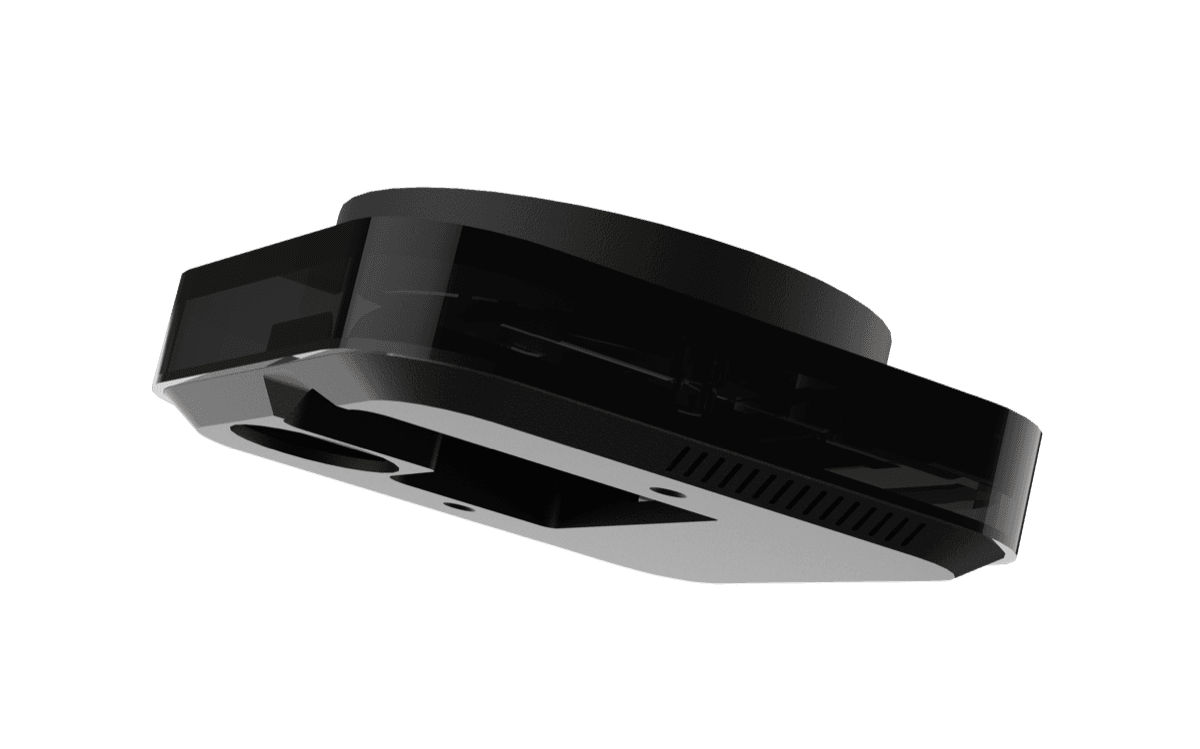
Onetap R2
The R2 is the source of the events your integration consumes — entries, exits, session windows, dwell time, and verification state. Each one signed and timestamped at the device.
Today: events ship to your stack as Dashboard R2 webhooks. Soon: direct device APIs for teams that want to talk to the hardware itself.
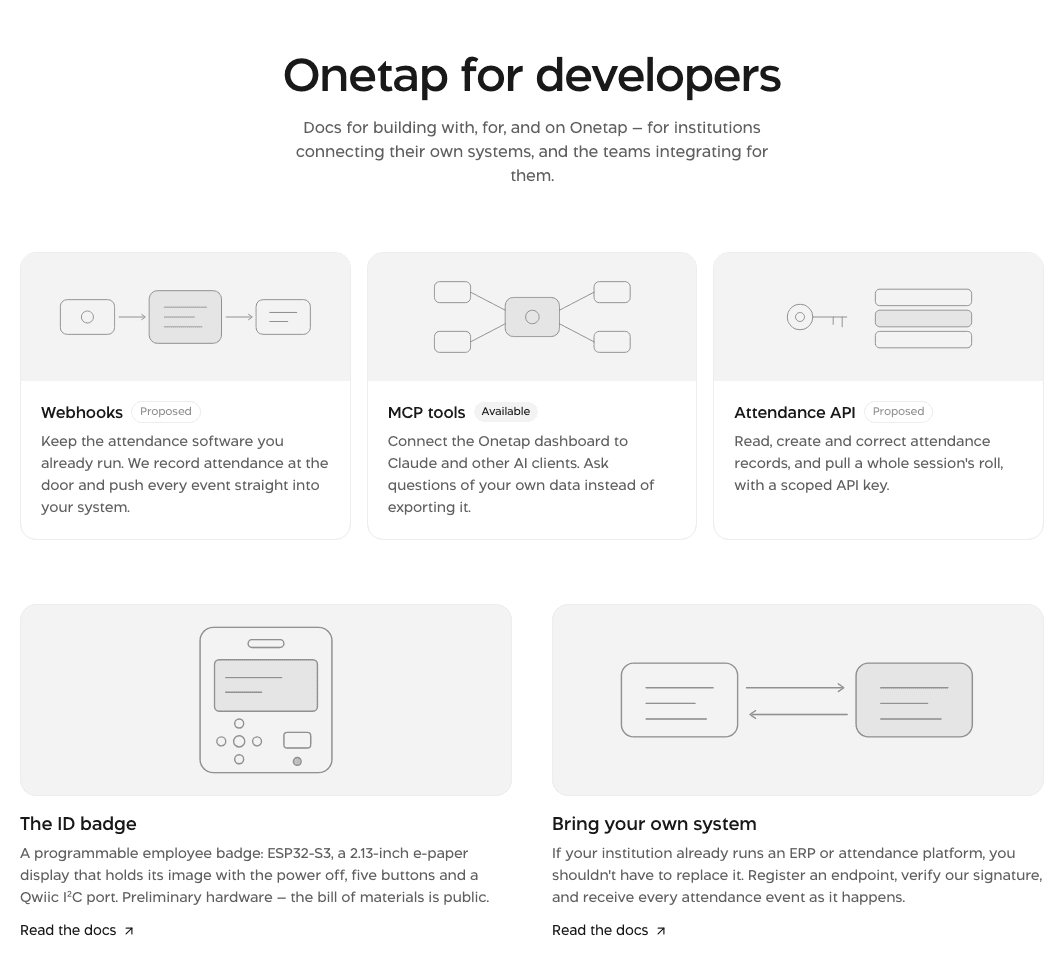
Developer docs
Webhooks, MCP tools and the attendance API — each with a quickstart, the exact request and response shapes, and an error table. Written against what the dashboard actually returns.
Public, and readable without an account. Start with a quickstart and have an endpoint receiving events the same day.
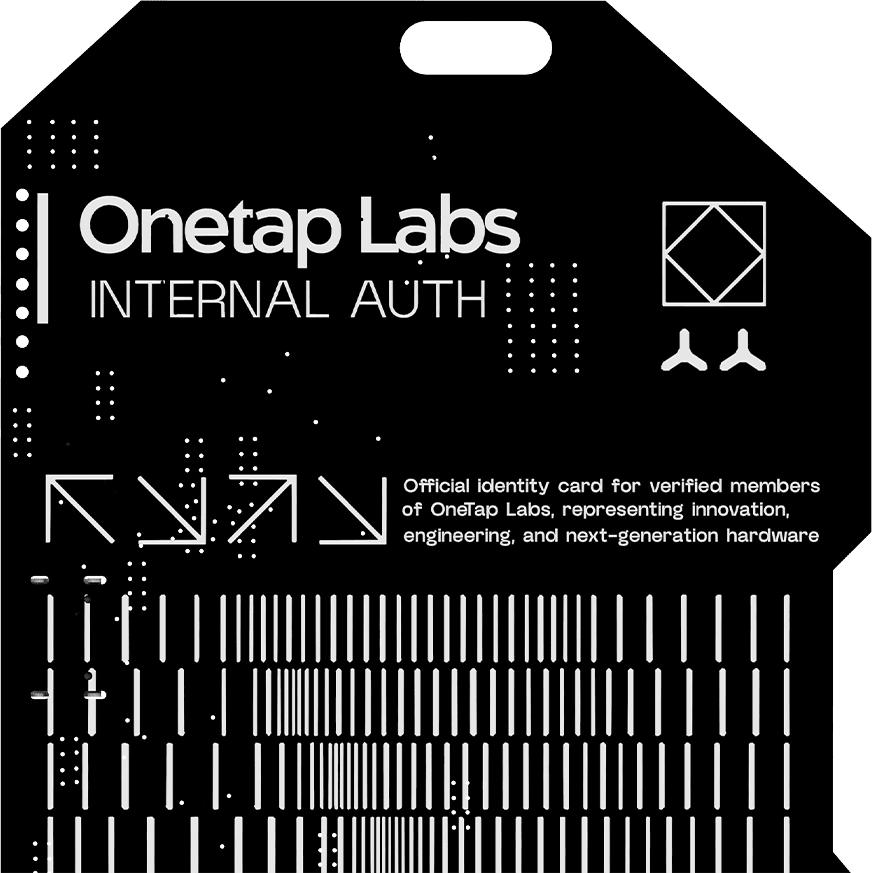
The ID badge
The credential our own team wears: an ESP32-S3 behind a 2.13-inch e-paper display that holds its image with the power off. Five buttons, a buzzer, and a Qwiic I²C port for whatever you add next.
Preliminary hardware, not for sale yet — but the pin map, bill of materials and firmware architecture are documented in full.